For workforce programs and job centers
Mission control for your caseload.
A CRM built for workforce and career services. Every learner, every check-in, every plan and every next step in one place, so your team knows who needs them this week.
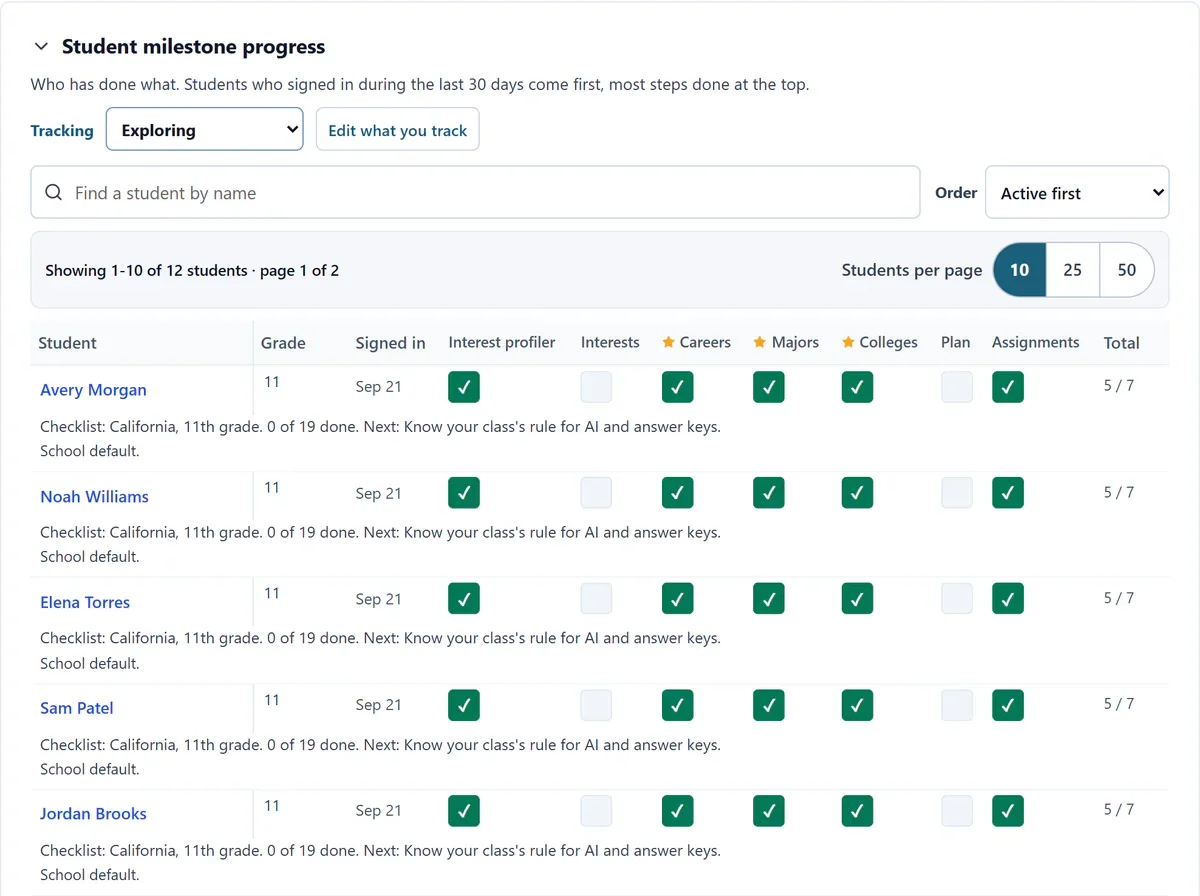
Start the day with the right list.
- “Check in soon” shows who has gone quiet. Follow-ups due shows what you promised and when.
- Log a check-in in one line: how you reached them, what happened, the next step and date.
- Book the next meeting from the same place.
Every conversation and the plan, side by side.
- Open the learner’s own plan before the meeting, with your notes, their activities and their progress beside it.
- Check-ins stay staff-only. Your word for your people on every screen.
The depth your learners need, built in.
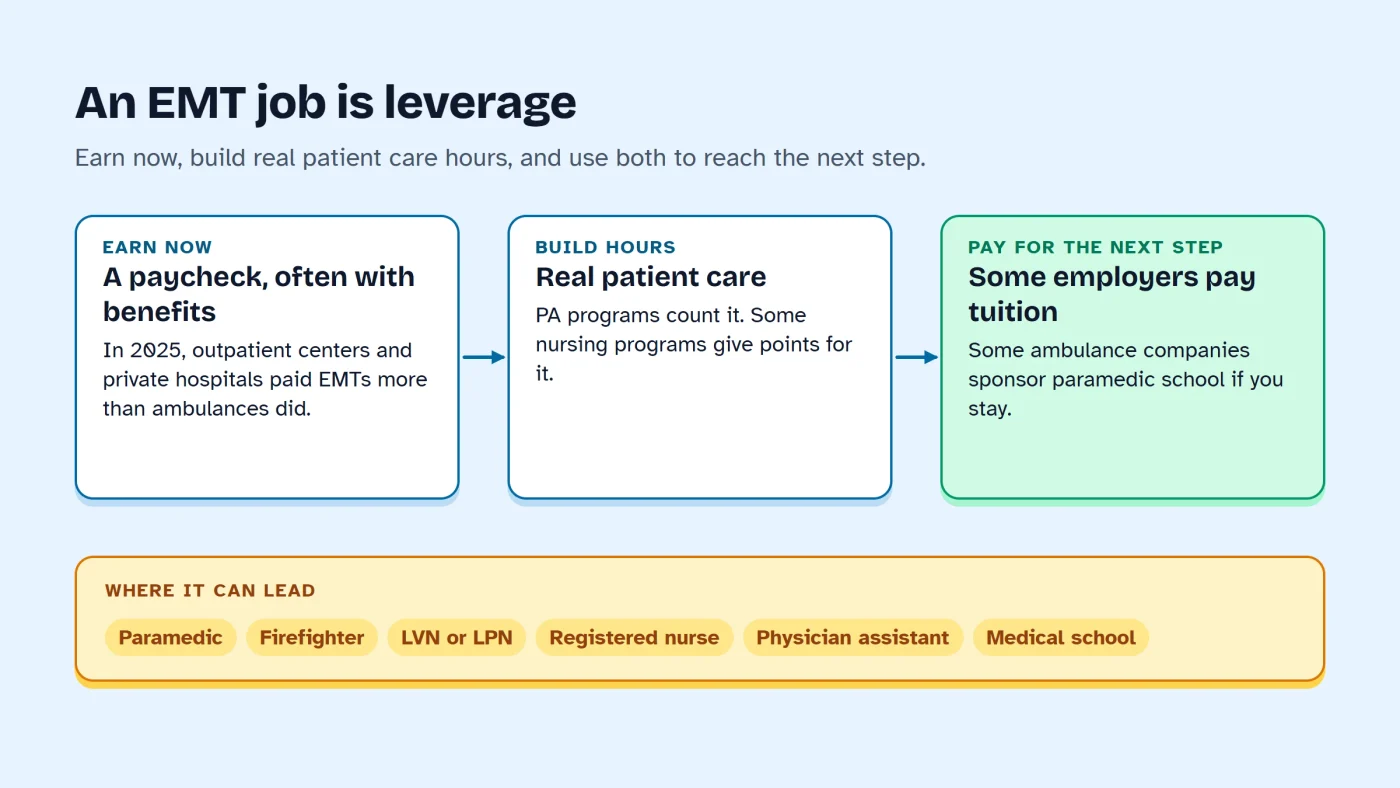
- Every way into a career, including starting with a job and bridges from the job they have.
- The bar for selective programs, and what to do after a no.
- Credit for prior learning, and local opportunities.
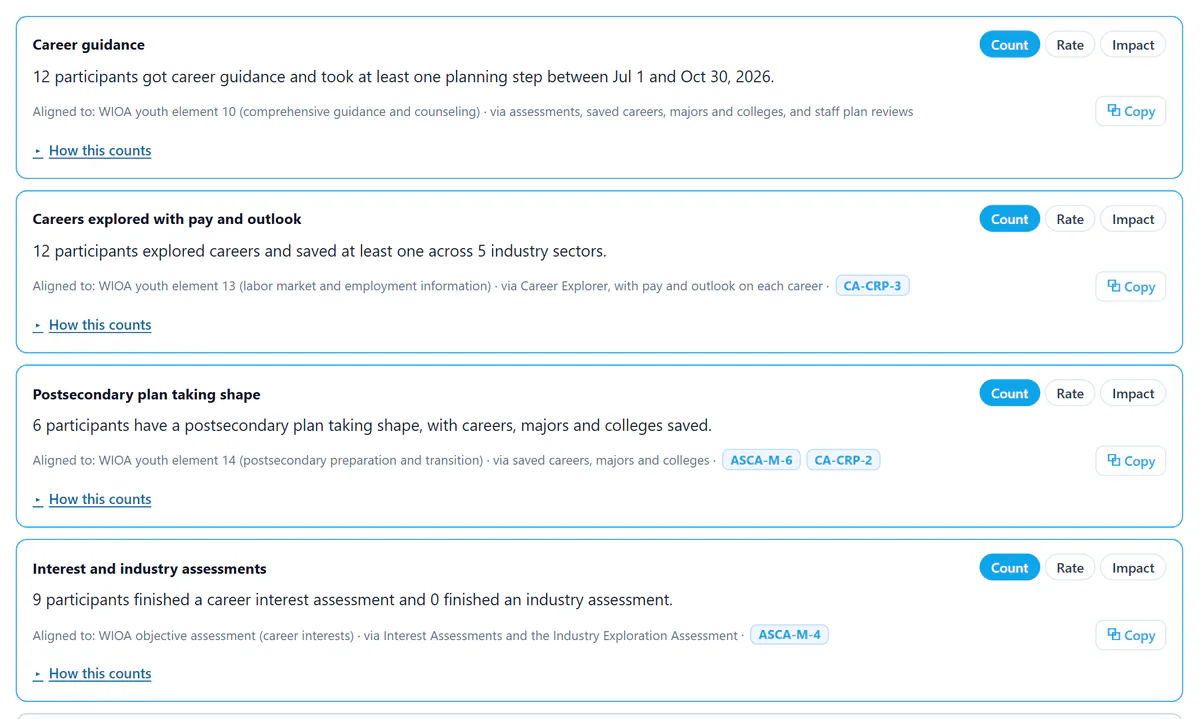
Reports you do not build by hand.
- Pick WIOA, CAEP, Perkins or your grant, and get count, rate and impact statements with the evidence behind each. Export to CSV or PDF.
Employment, wages and credentials come from your state and program records. PlannedQuest supplies the planning and follow-through evidence that leads to them.
Connects to what you run
- LTI 1.3 for Canvas, Schoology and Blackboard
- ClassLink and OneRoster rostering
- School sign-in with SAML or OpenID Connect
- We set these up with your IT team